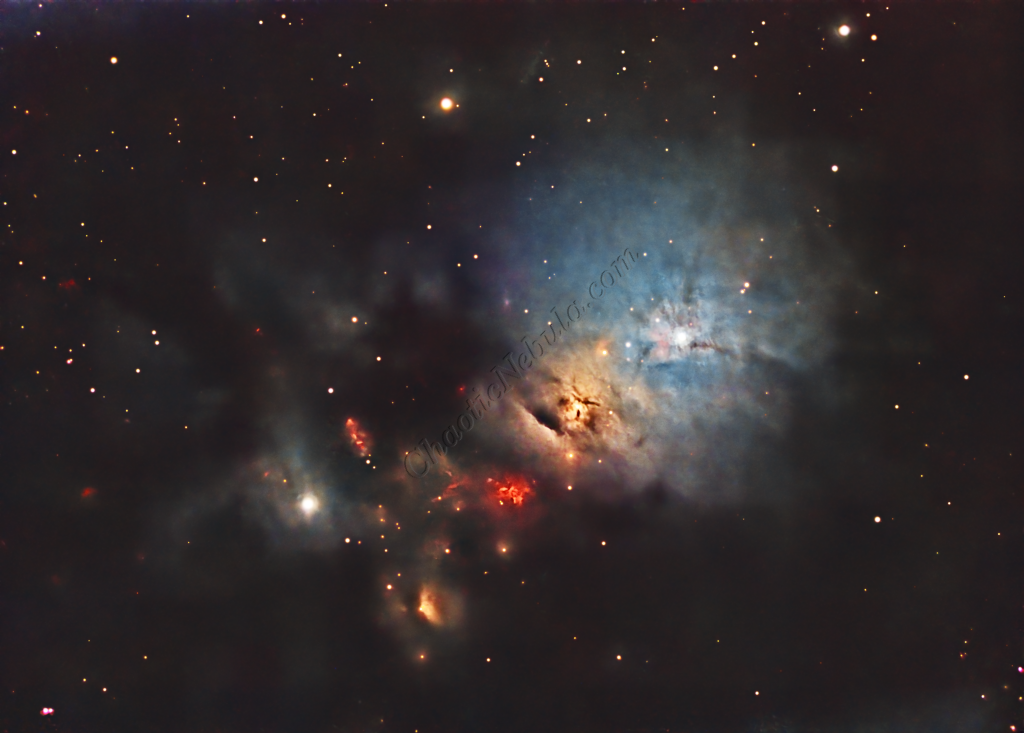
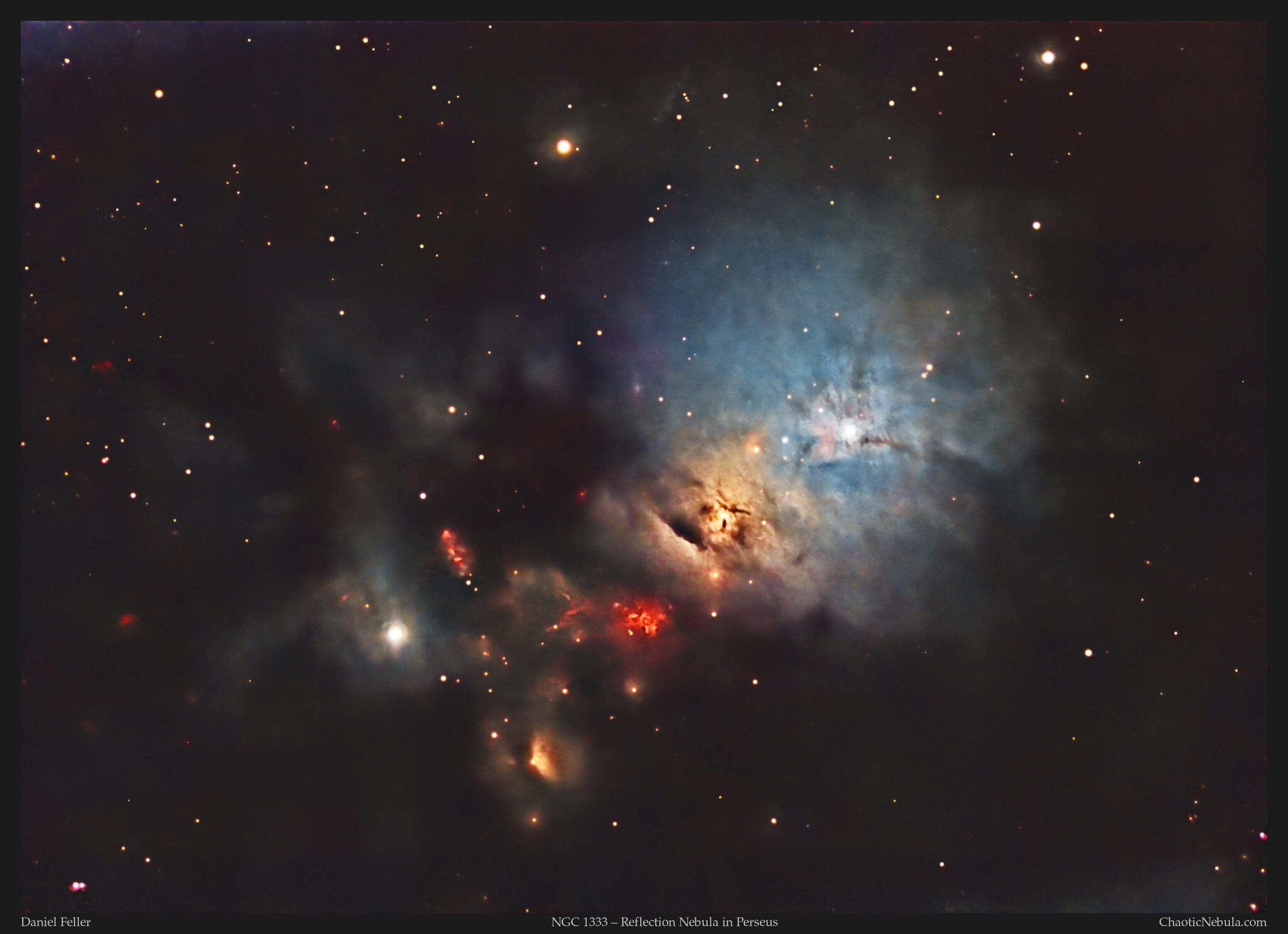
The center of the Perseus constellation is a reflection nebula situated about 1,000 light-years away. Known for its intricate network of dark lanes and glowing filaments, NGC 1333 showcases the intricate details of star-forming regions. This nebula is alive with activity, as countless young stars are being born within its dense molecular cloud, creating a glowing tapestry of light and shadow that draws observers into its cosmic depths.
Unlike emission nebulae, which shine brightly from ionized gases, NGC 1333’s radiance comes from the starlight of these baby stars reflecting off the surrounding interstellar dust. The nebula’s glow is often soft and diffused, with the dust scattering light in gentle hues of blue and red. The region is part of a larger molecular cloud complex, known as LBN 762, an area rich in ongoing star formation.
The nebula’s structure is complex, with delicate, winding dust filaments and dense clumps that contrast sharply with the dark voids in between. This play of light and shadow creates an amazing landscape, making NGC 1333 a popular target for astrophotographers. The nebula is also home to many faint background stars that add layers of depth and richness to its images.
Capturing NGC 1333 presents a unique challenge due to its subtle glow and intricate details. Long exposures and careful post-processing are essential to highlight the nebula’s fine structures and reveal the faint reflections of starlight scattered across the dust. Filters designed for capturing broadband wavelengths work best, allowing photographers to capture the nebula’s full range of muted colors while enhancing the fine details of this dynamic region of space.
Imaging Details
- Workflow: Broadband workflow for galaxies and nebula
- Red: 100*300 seconds
- Green: 100*300 seconds
- Blue: 100*300 seconds
- HA: 60*600 seconds
- Total Imaging Time: 35 hours
- Imaging Dates (10 nights)
- 10/3/2024
- 10/5/2024
- 10/6/2024
- 10/7/2024
- 10/8/2024
- 10/25/2024
- 11/07/2024
- 11/11/2024
- 11/12/2024
- 11/25/2024
Imaging Workflow
This image followed the Broadband workflow for galaxies and nebula
Integrated Image
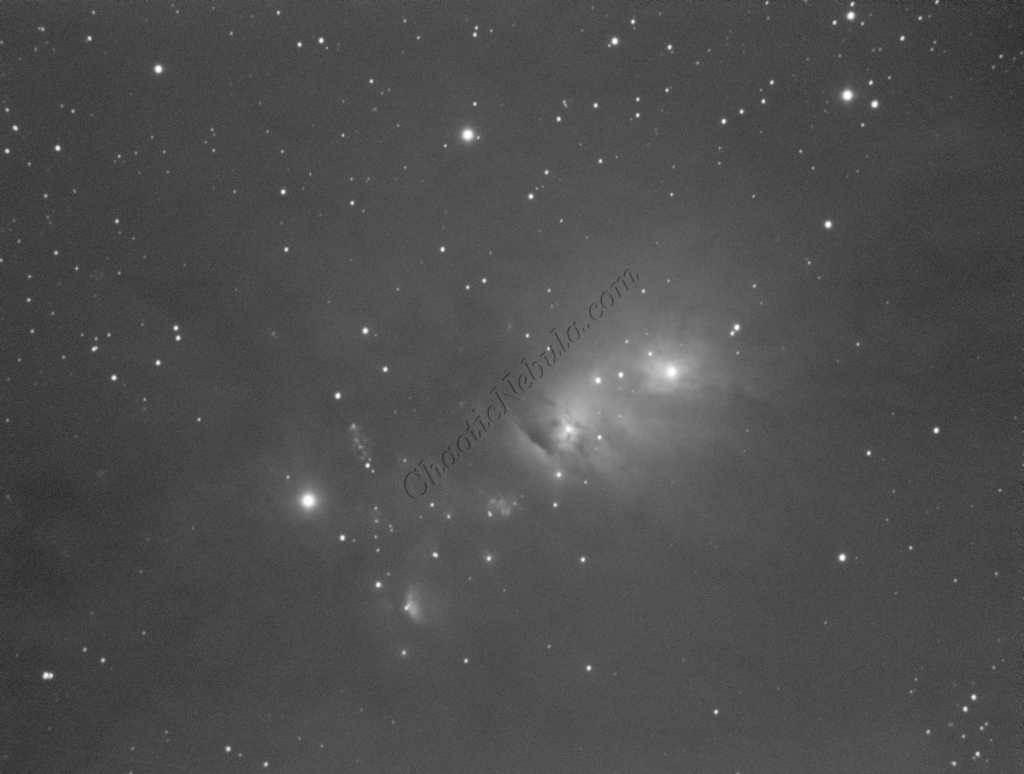
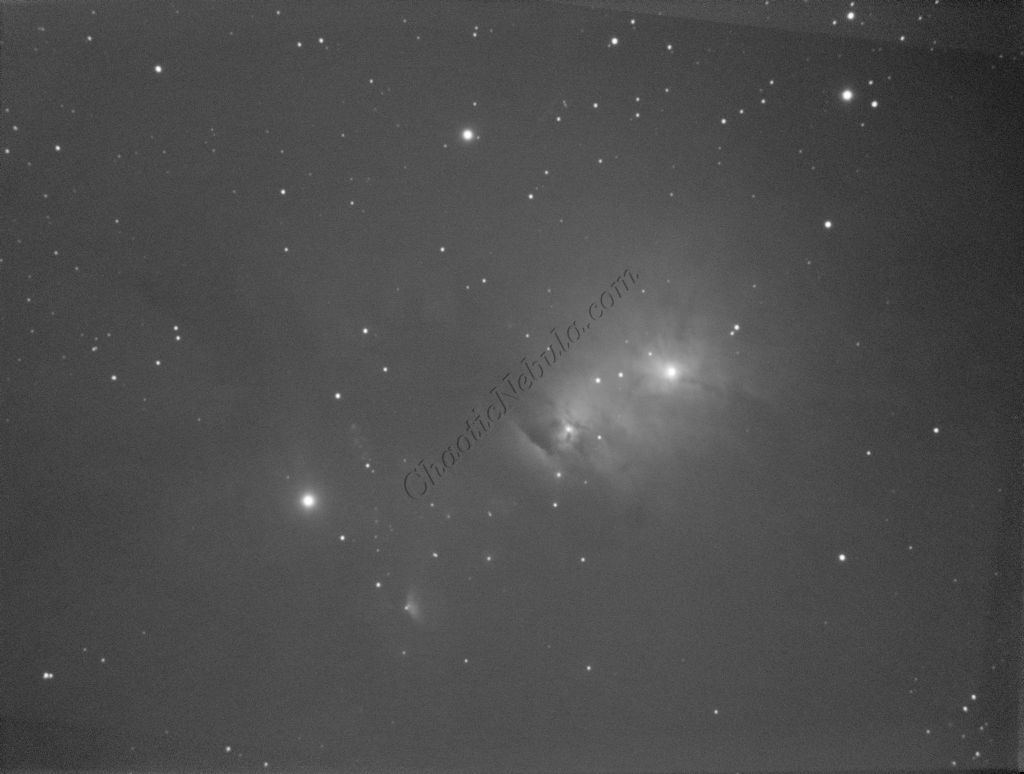
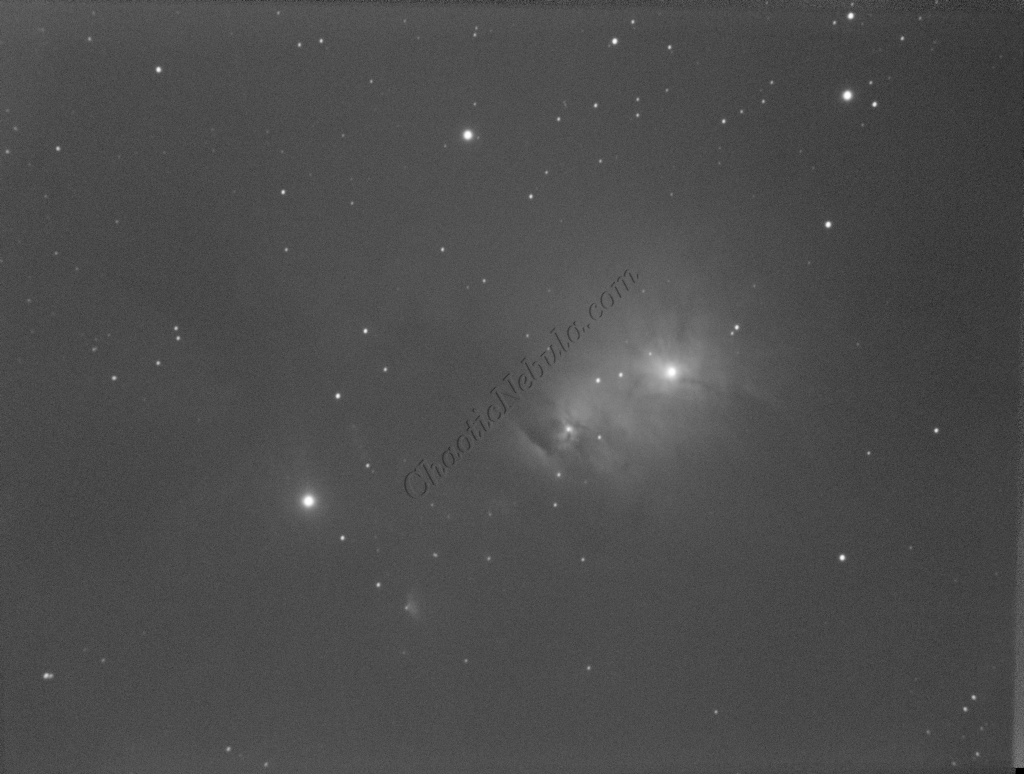
I started off with three images for red, green, and blue filters. I did my normal integration process using the PixInsight Weighted Batch Preprocessing Script.
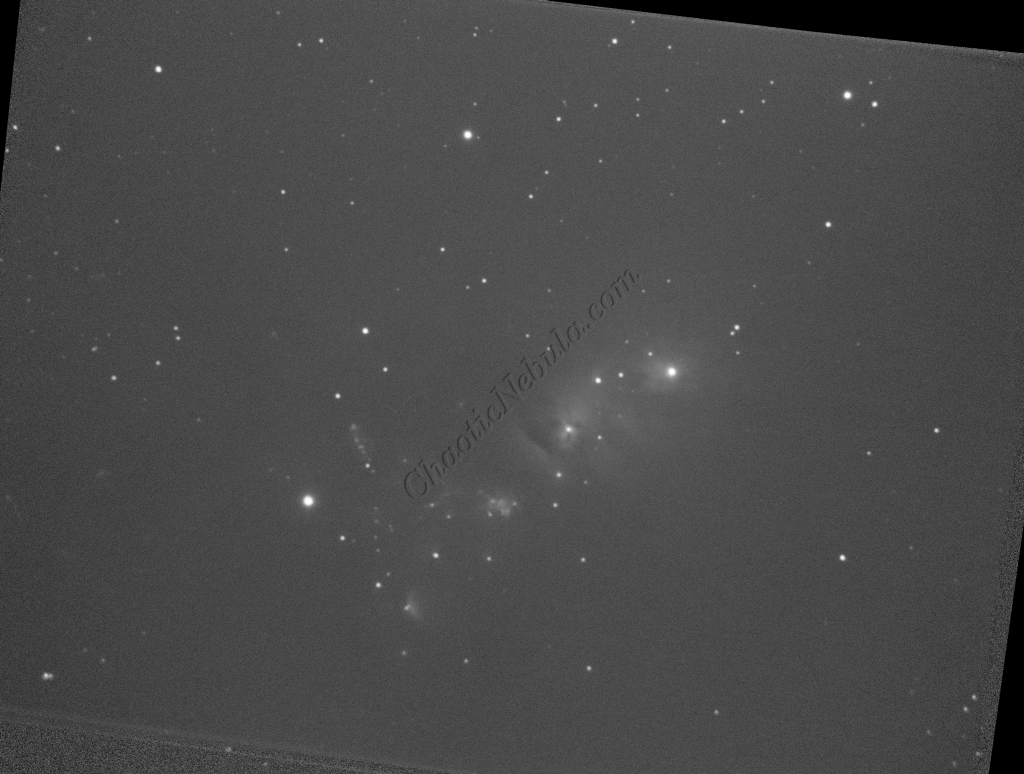
Dynamic Crop
The Dynamic Crop process was used to clean up the edges of the 3 images.
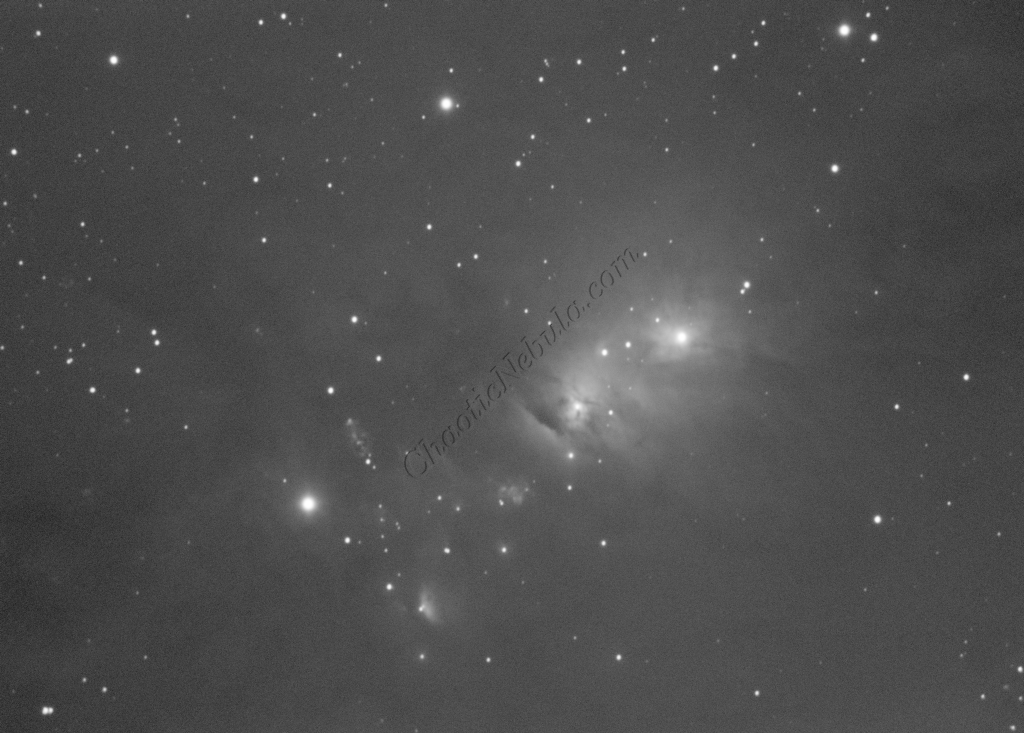
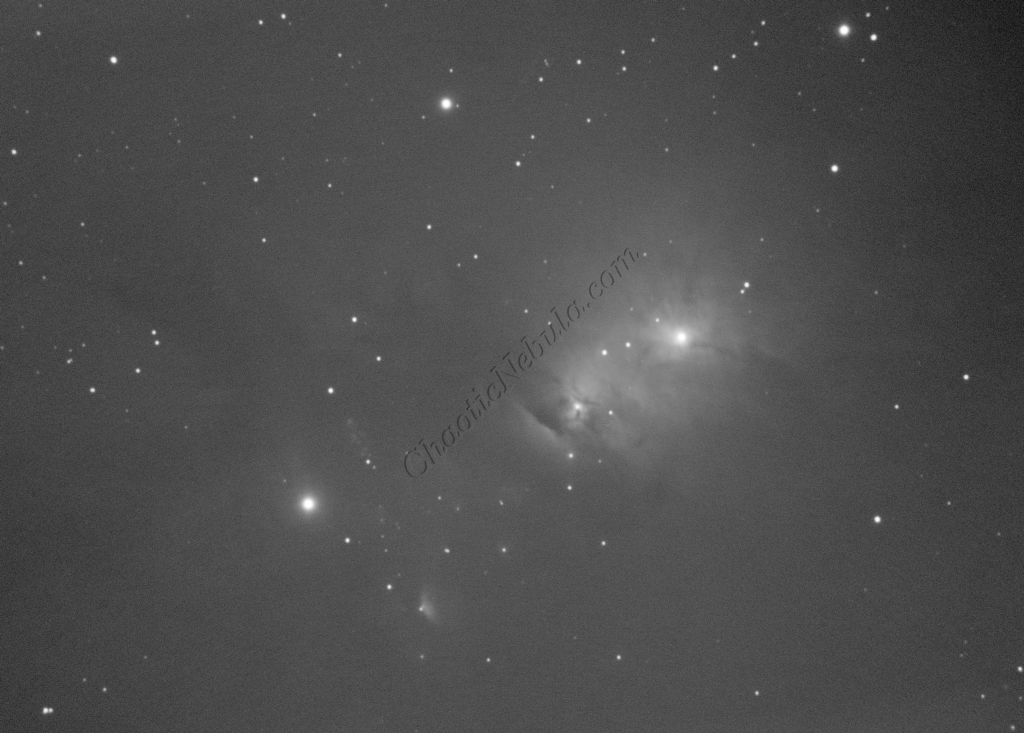
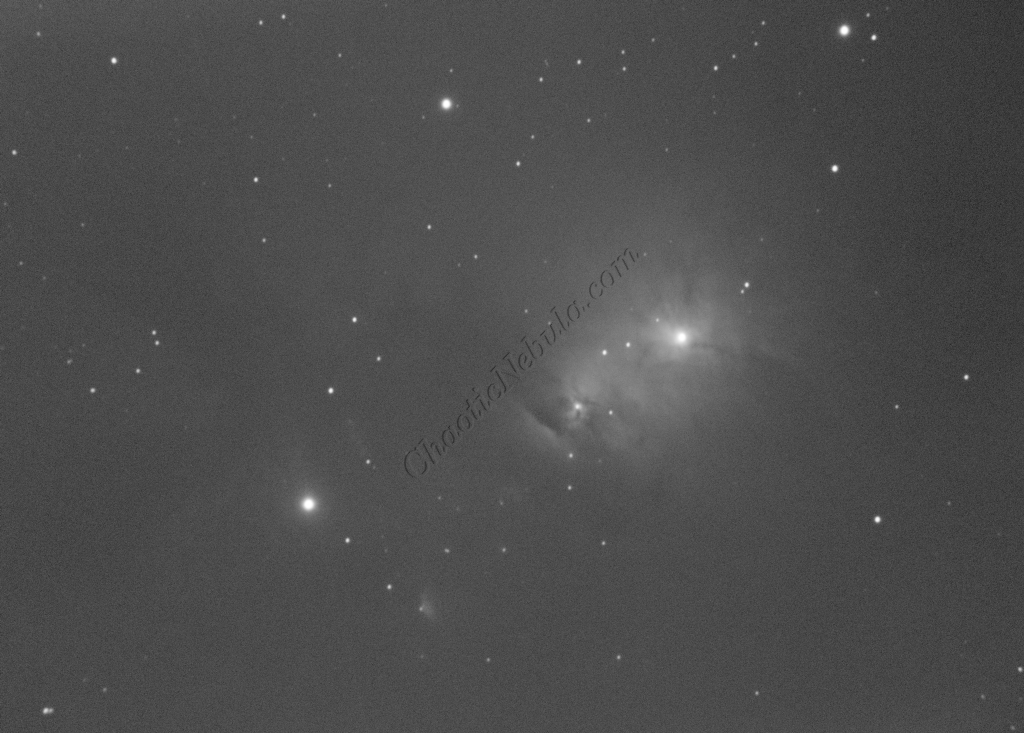
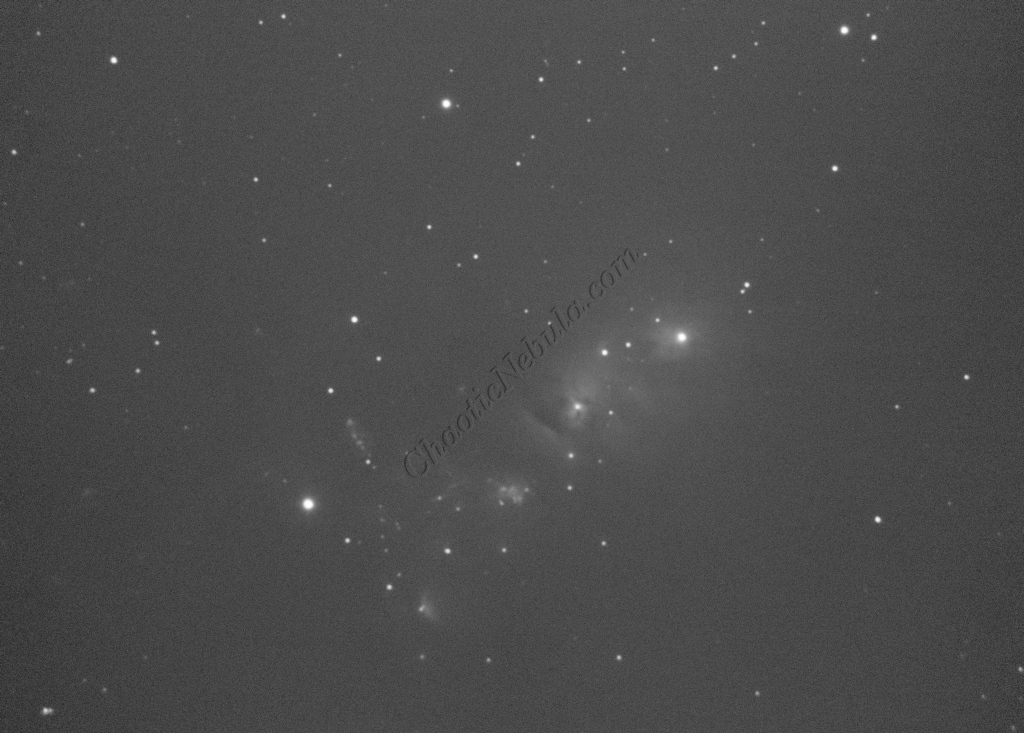
Gradient Correction
The Gradient Correction process made it easy to remove the extreme darkness/brightness around the edges.
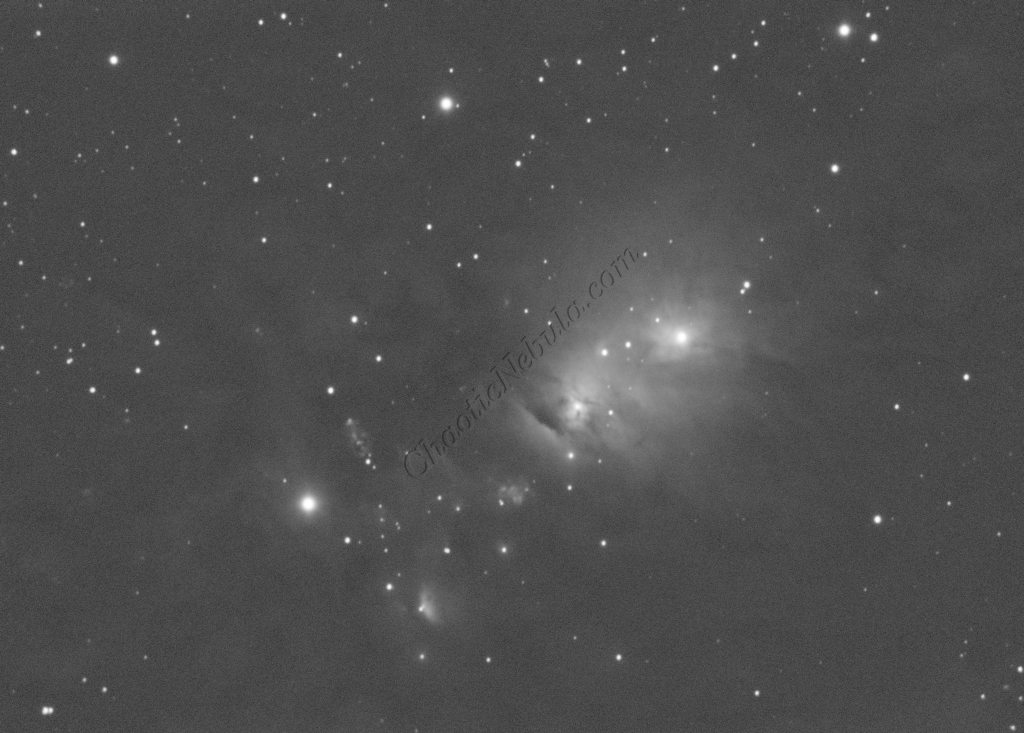
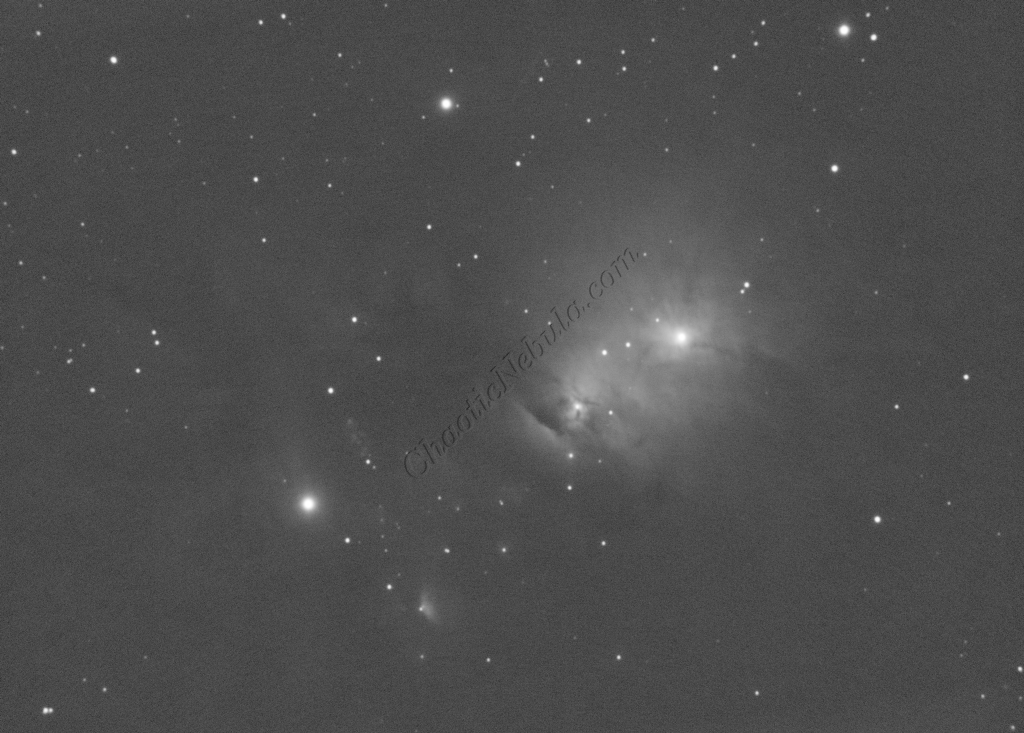
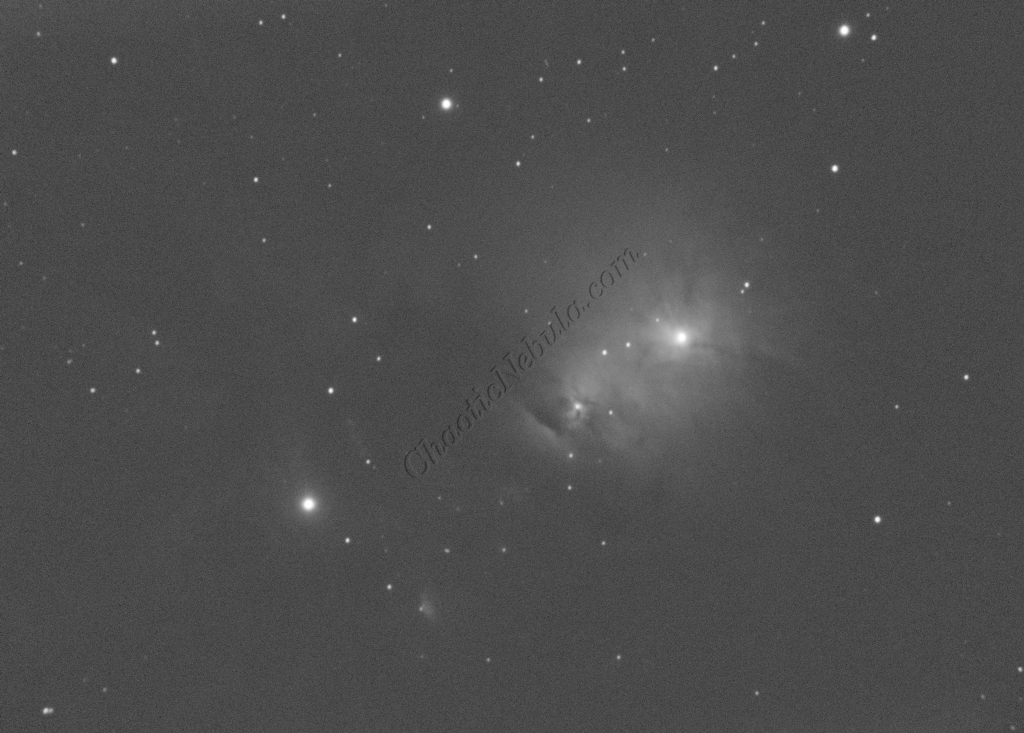
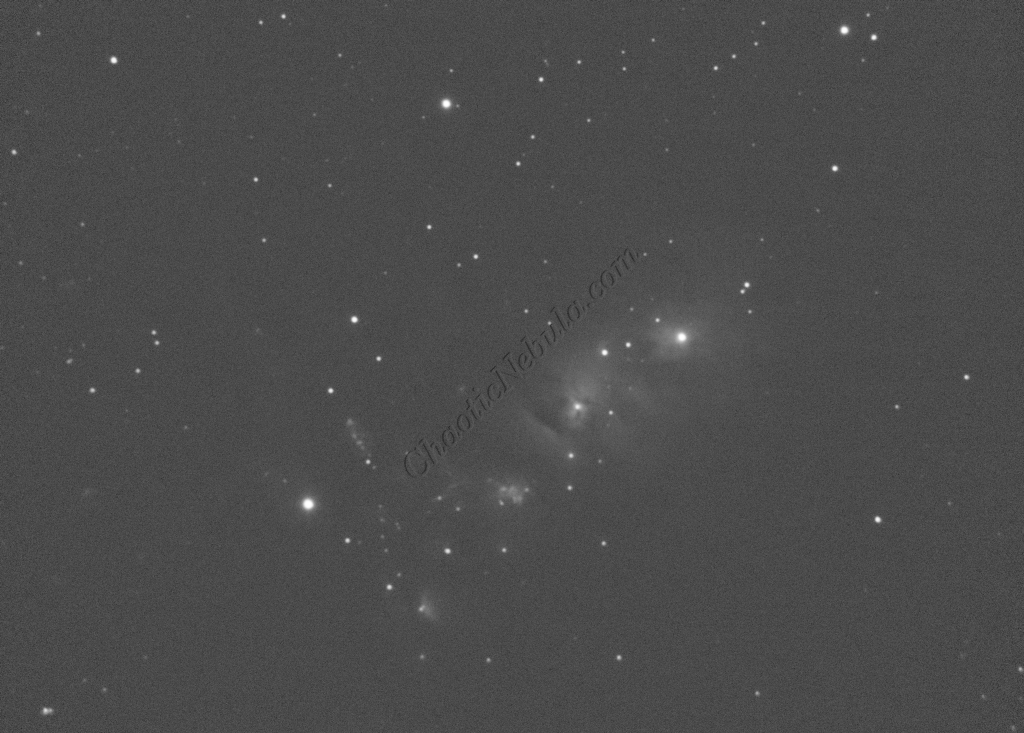
Deconvolution
BlurXTerminator is applied two times. The first time is for Correction only. This takes care of the coma (blurring of stars along the edges).
The second application of BlurXTerminator handles deconvolution, which improves the sharpness and details of the nebula while removing the blur from the image.
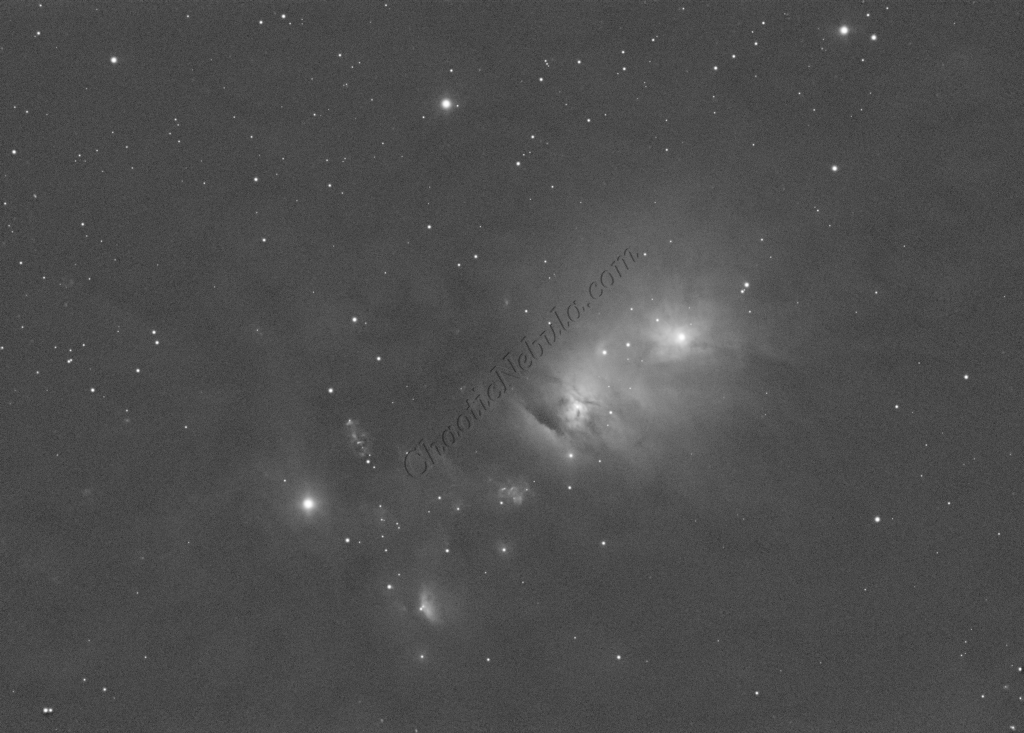
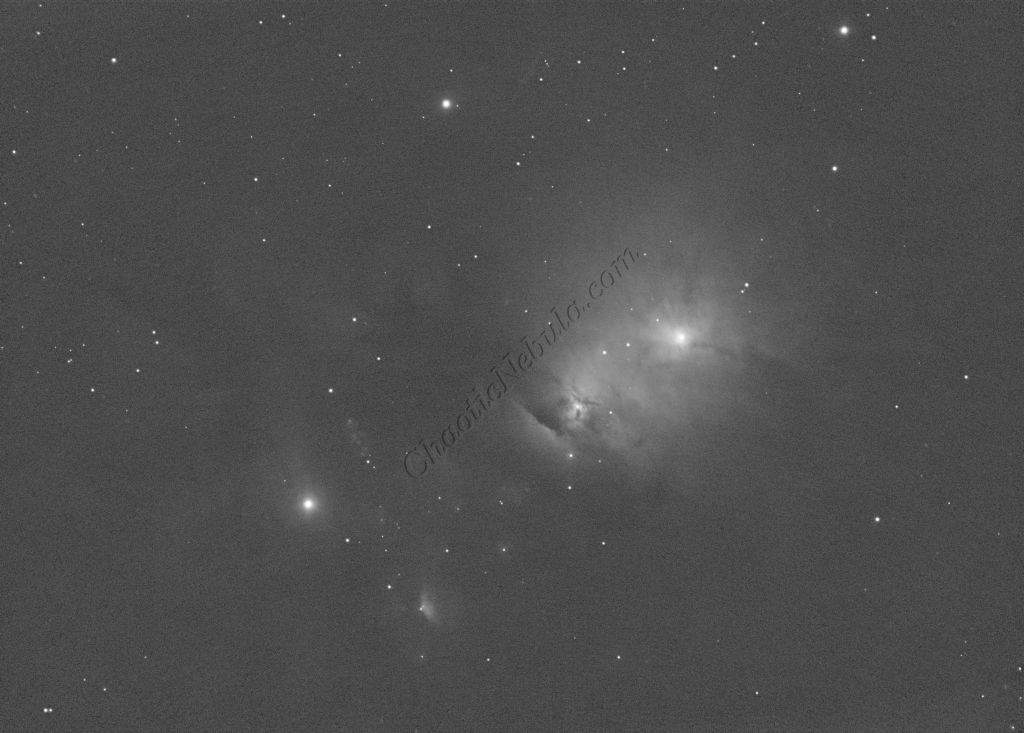
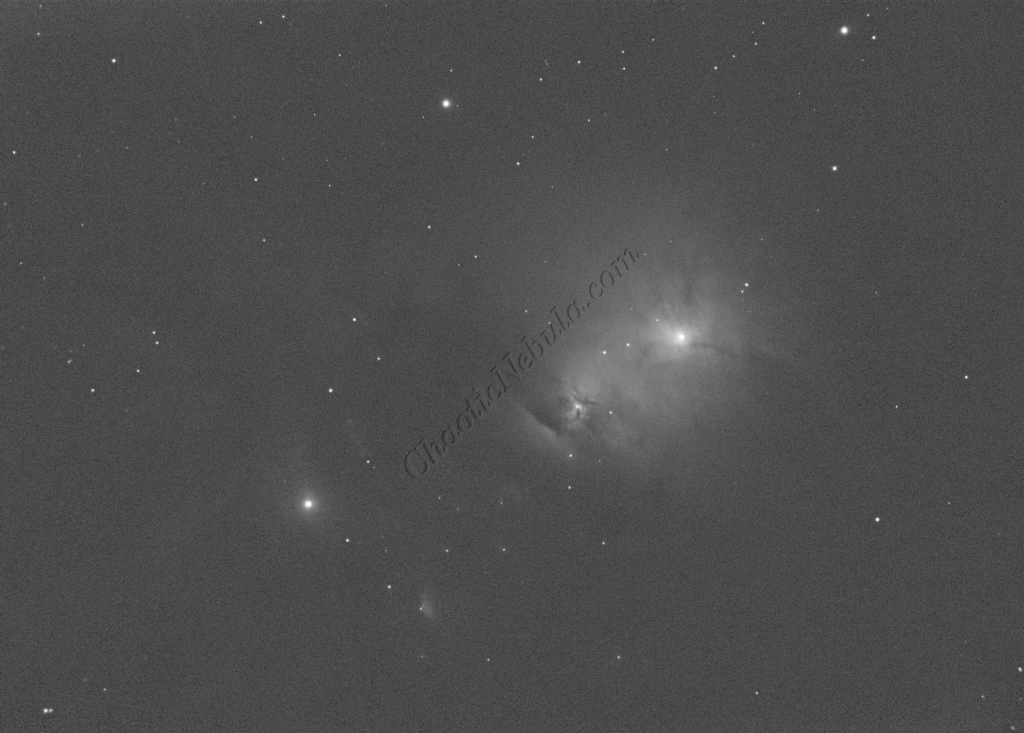
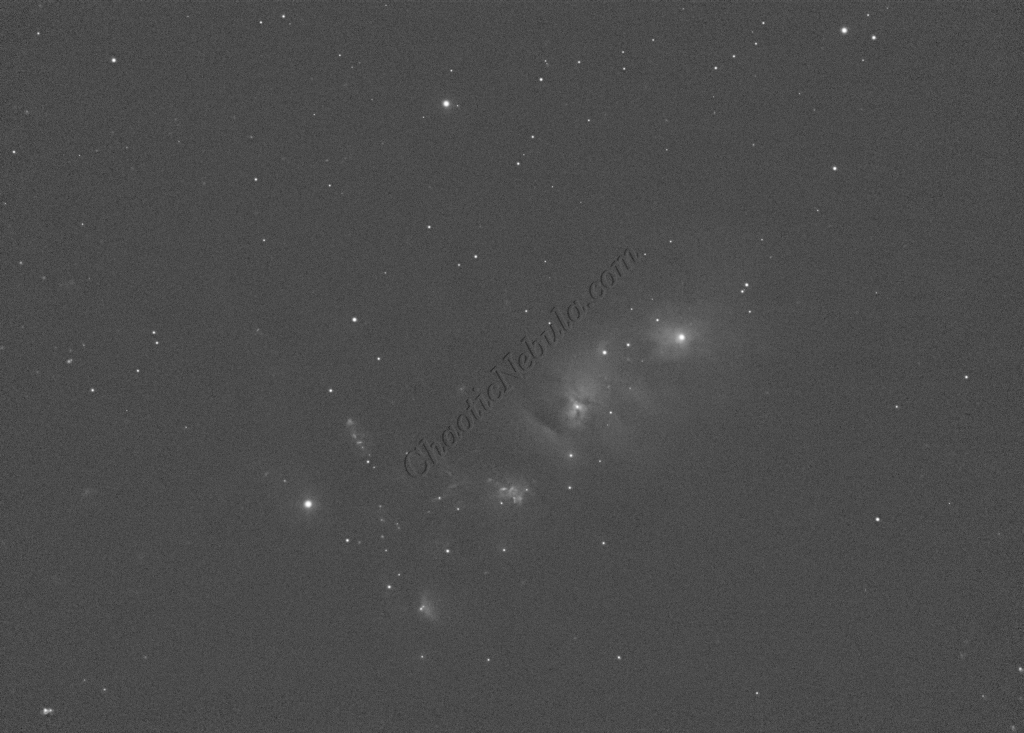
Noise Reduction
With the blurring corrected, it is time to do noise reduction. This time I used the new NoiseXTerminator add on.
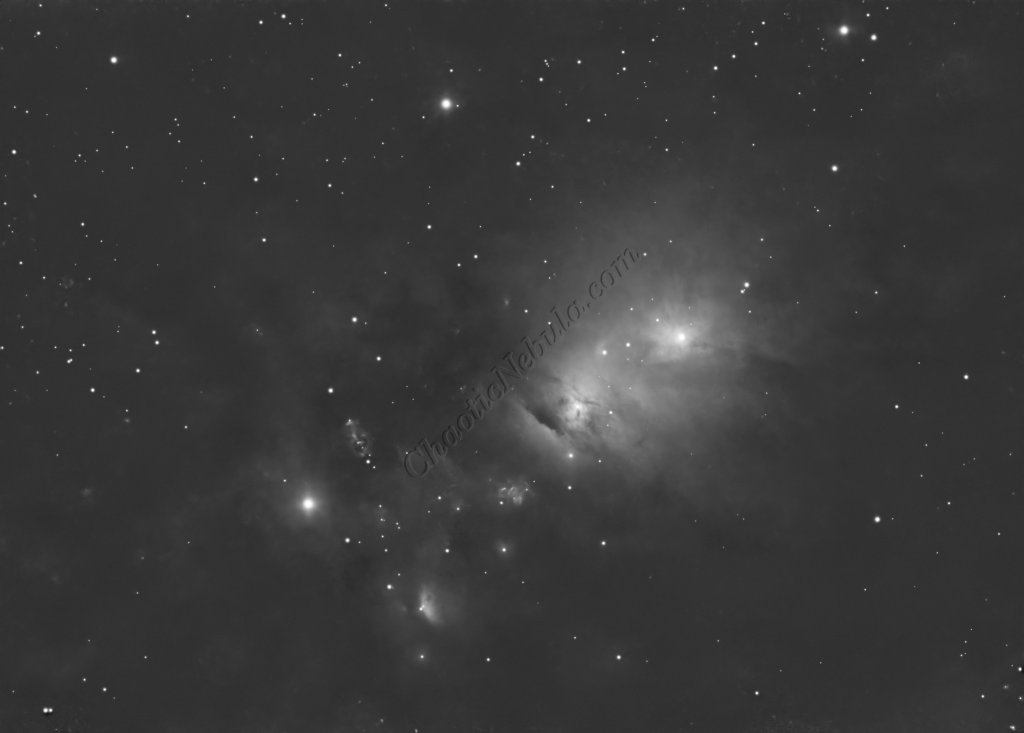
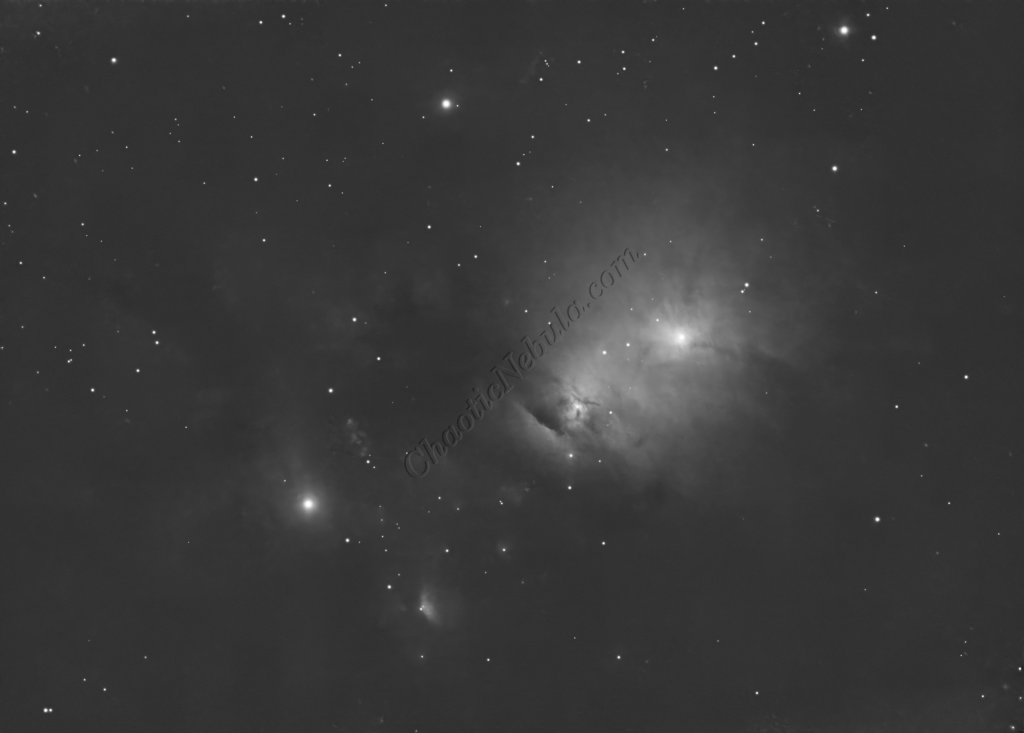
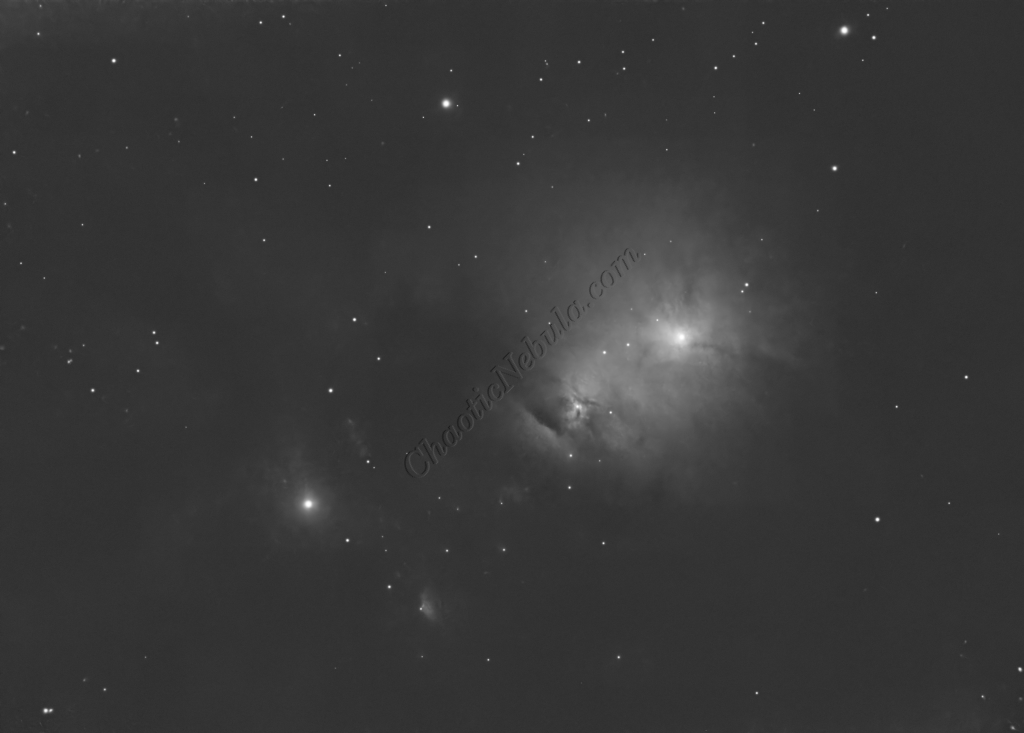
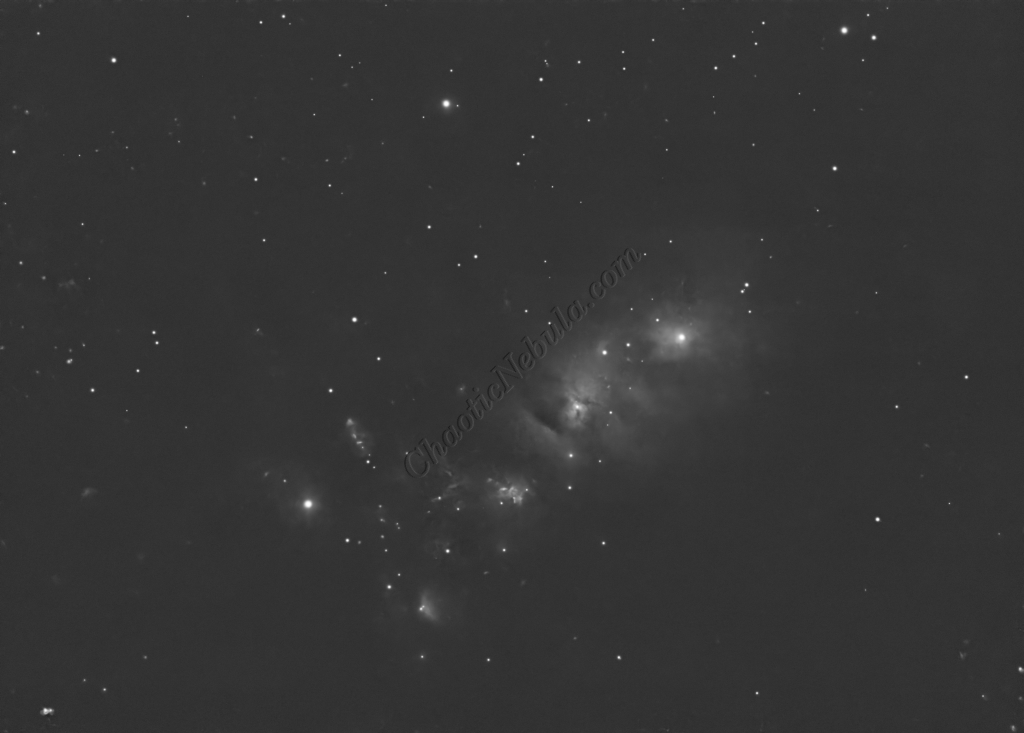
Channel Combination for RGB
The next step is to do a Linear Fit across the Red, Green, and Blue channels.
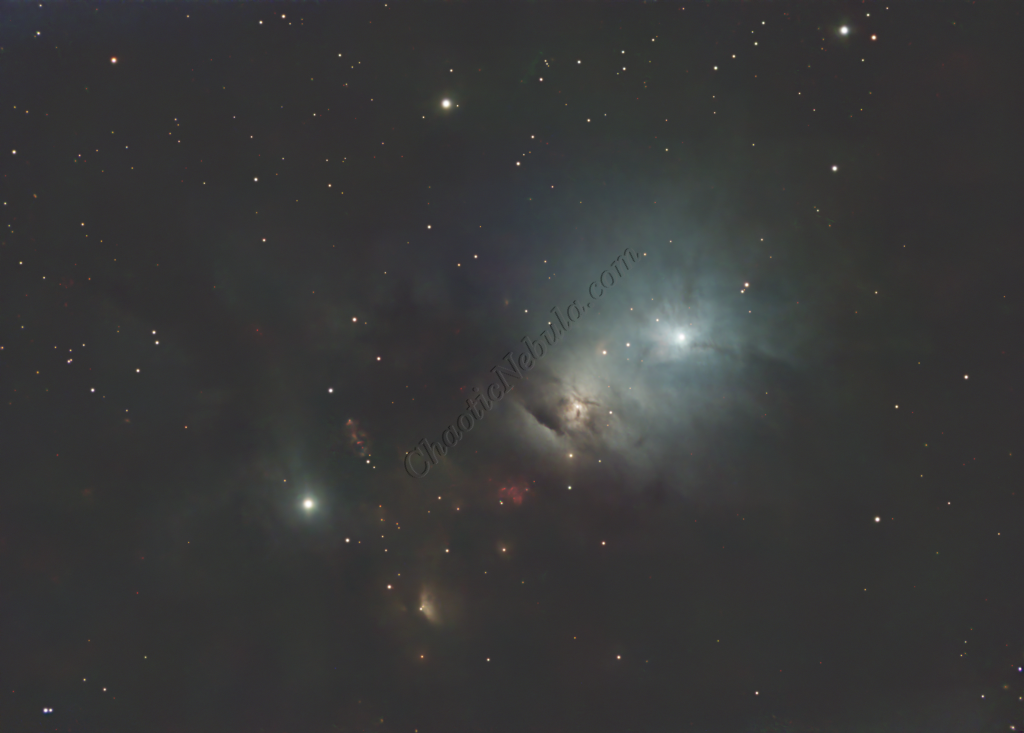
Channel Combination for RGB+HA
The hydrogen-alpha image was integrated into the RGB image in order to enhance the red channel. This uses the Narrowband Integration (LRGB+HA) process of NGRGB Combination Script
In addition, once the color image was created, the luminance channel was extracted to be used for the luminance workflow.
Star Removal
To ensure the hydrogen-alpha image does not influence the star color, StarNet+ was applied to remove the stars.
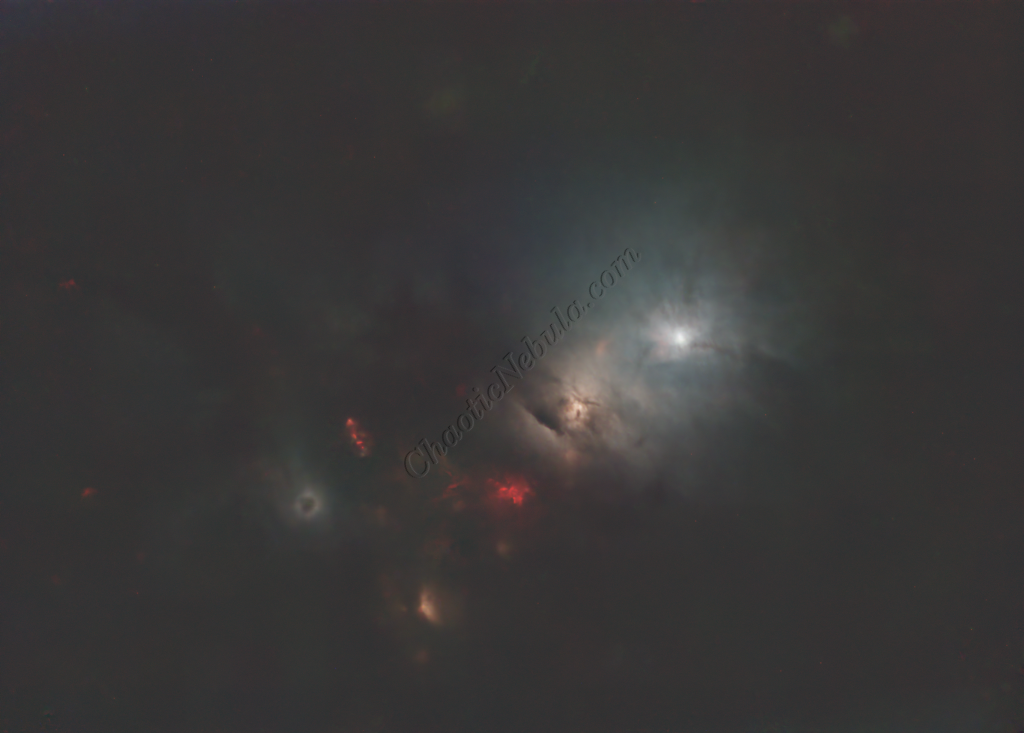
Histogram Stretch
Histogram transformation was used to stretch the image. Although the image appears dark, the entire image will get brighter when the synthetic luminance is added.
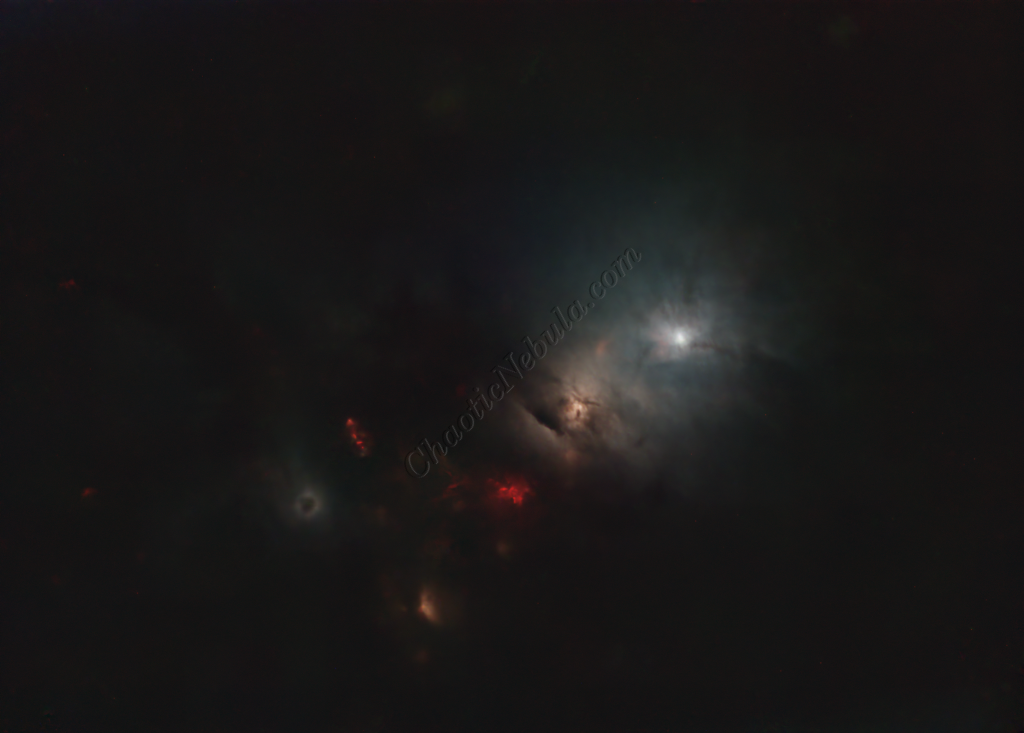
SCNR
The green hue was lowered by using SCNR
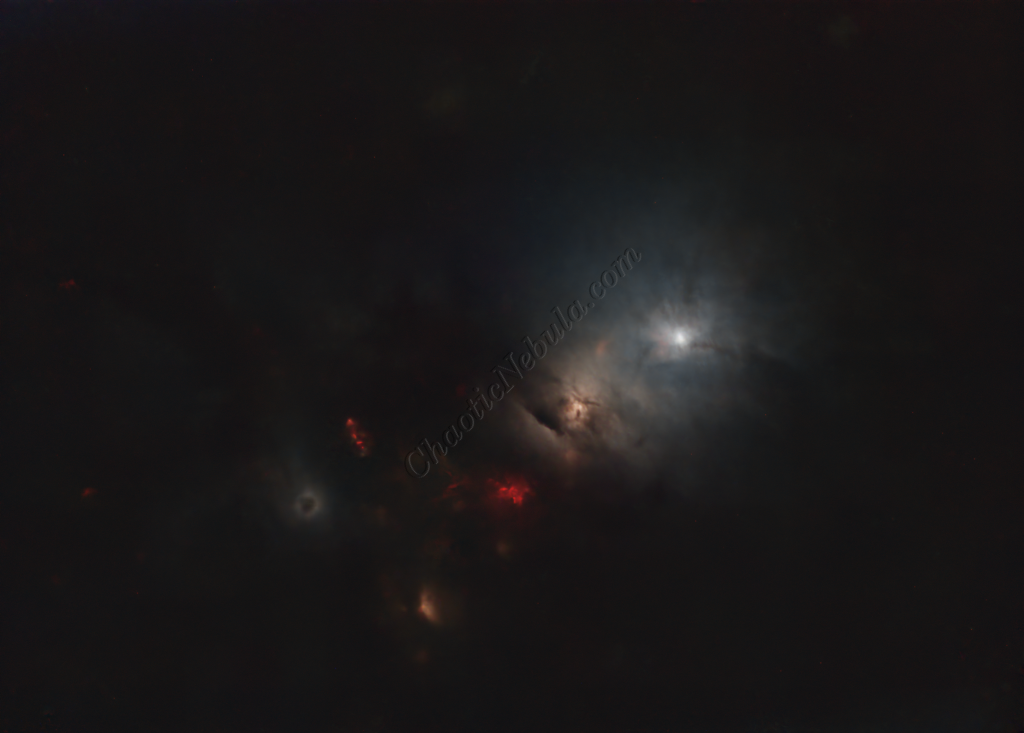
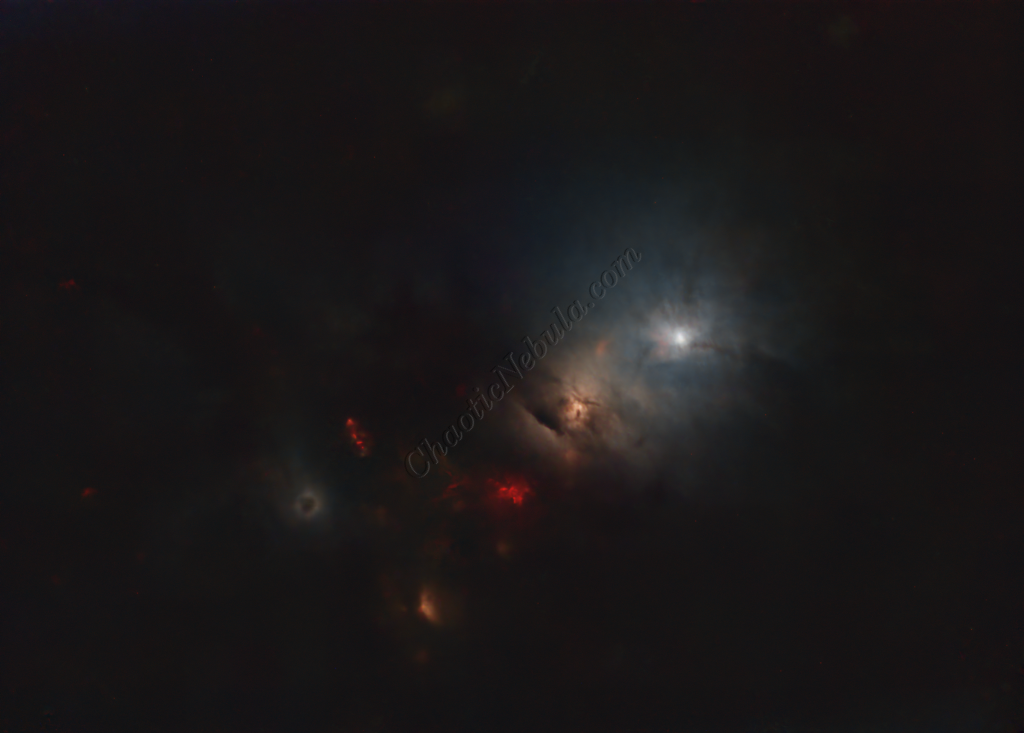
Saturation
The color intensity was increase with curves transformation
Luminance Workflow
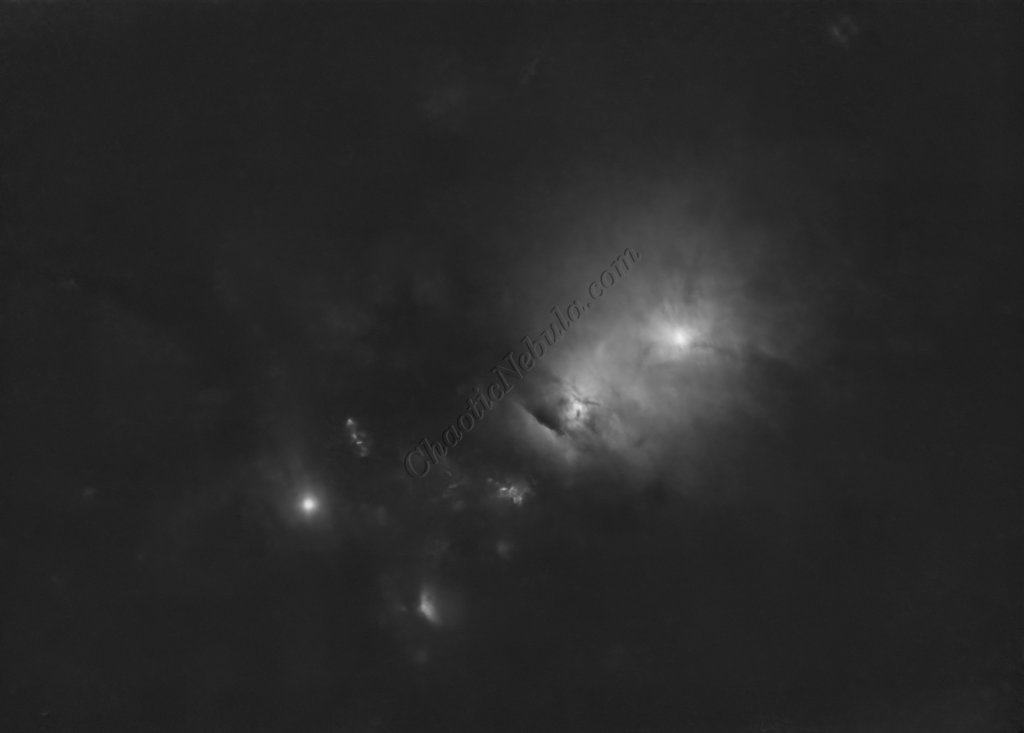
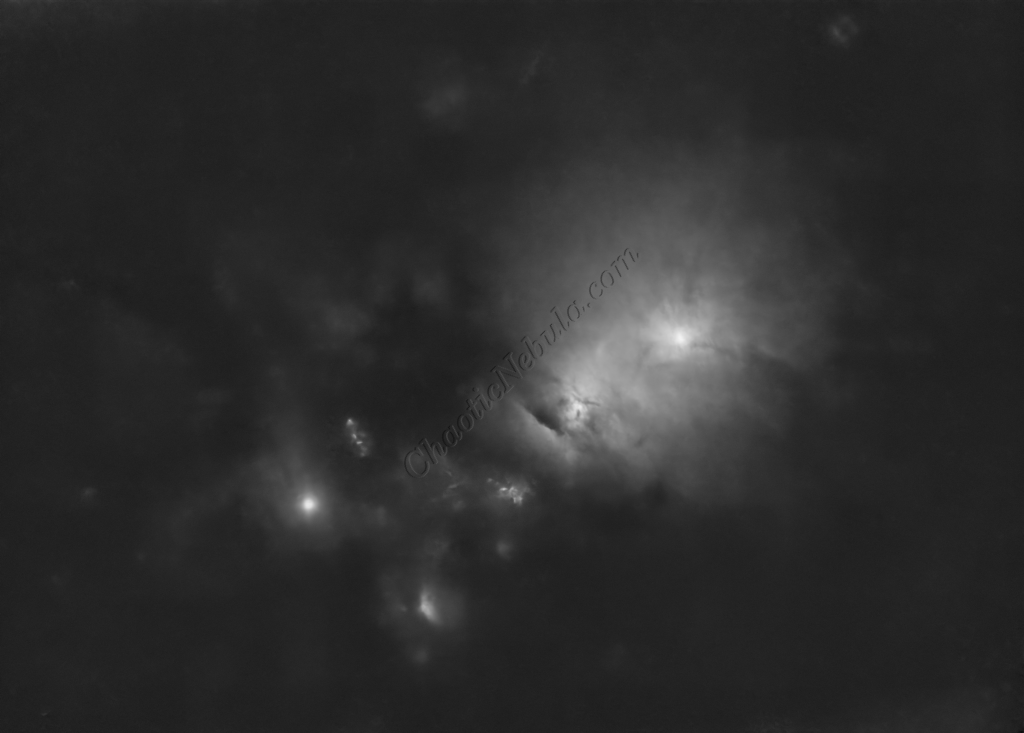
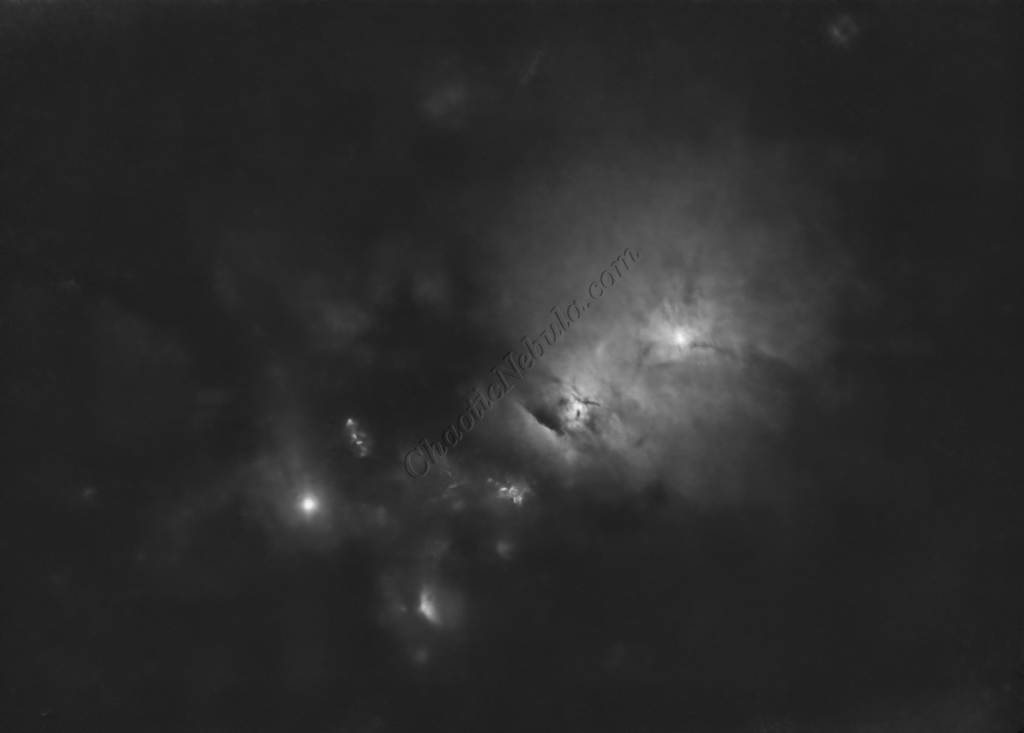
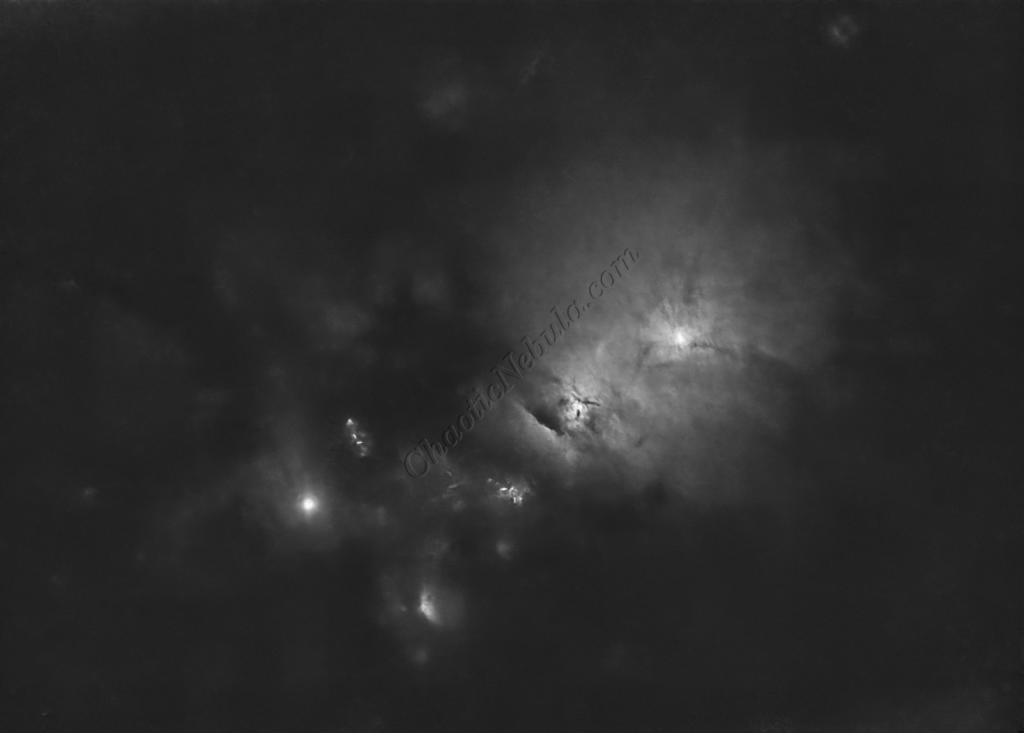
Before doing anything more to the color image, it is time to go through the Luminance Workflow.
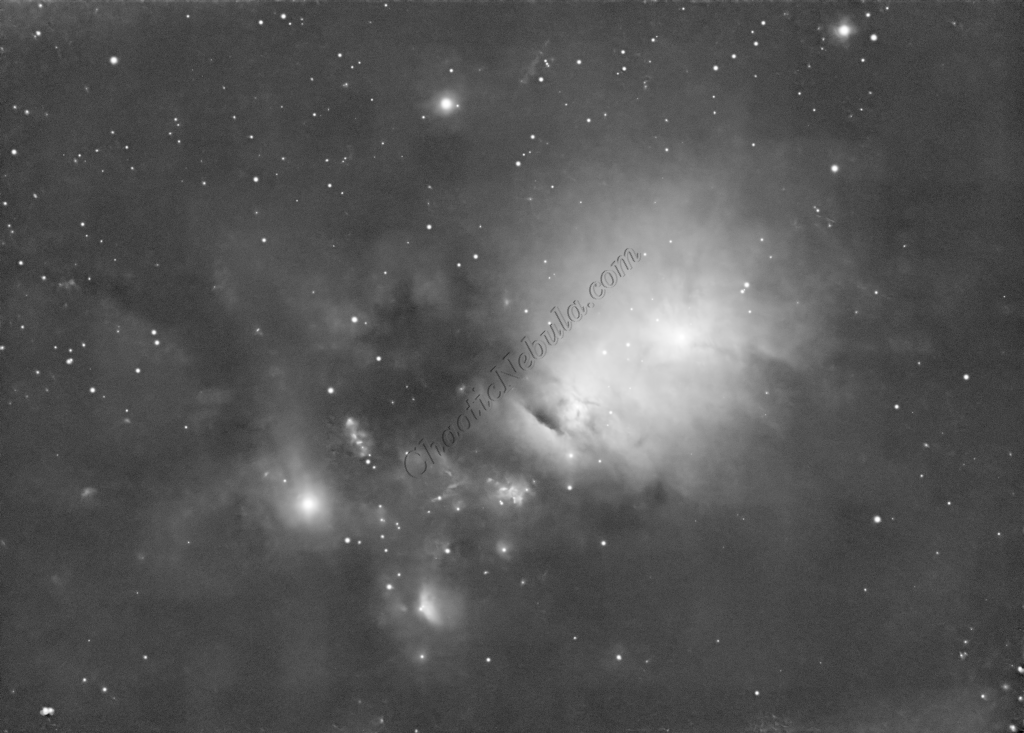
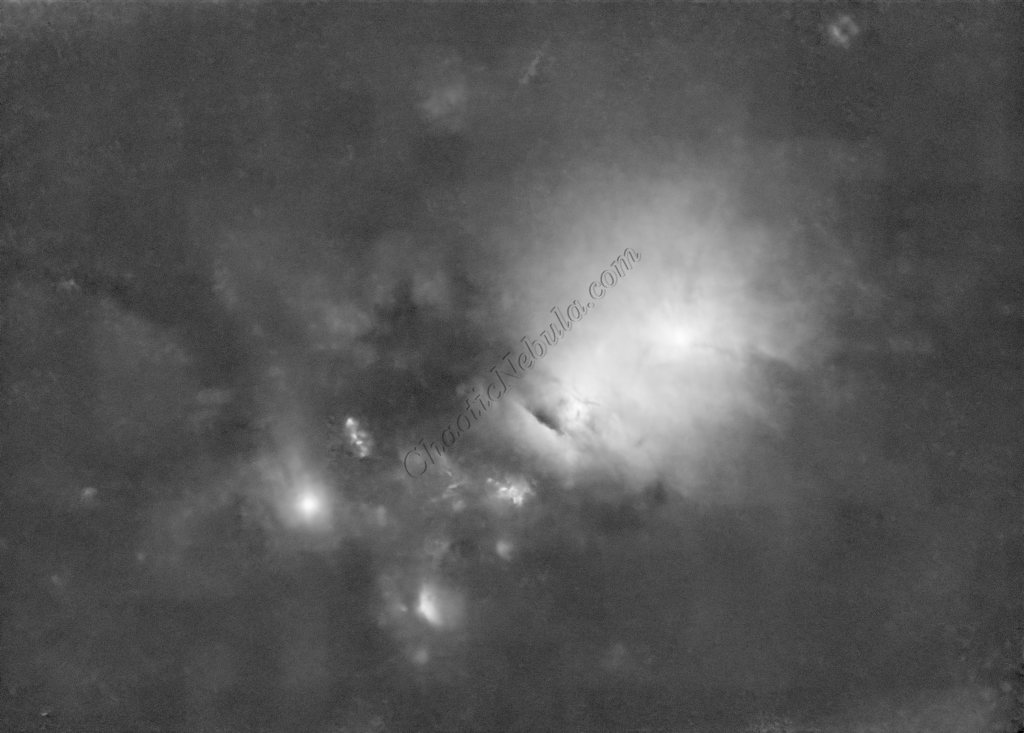
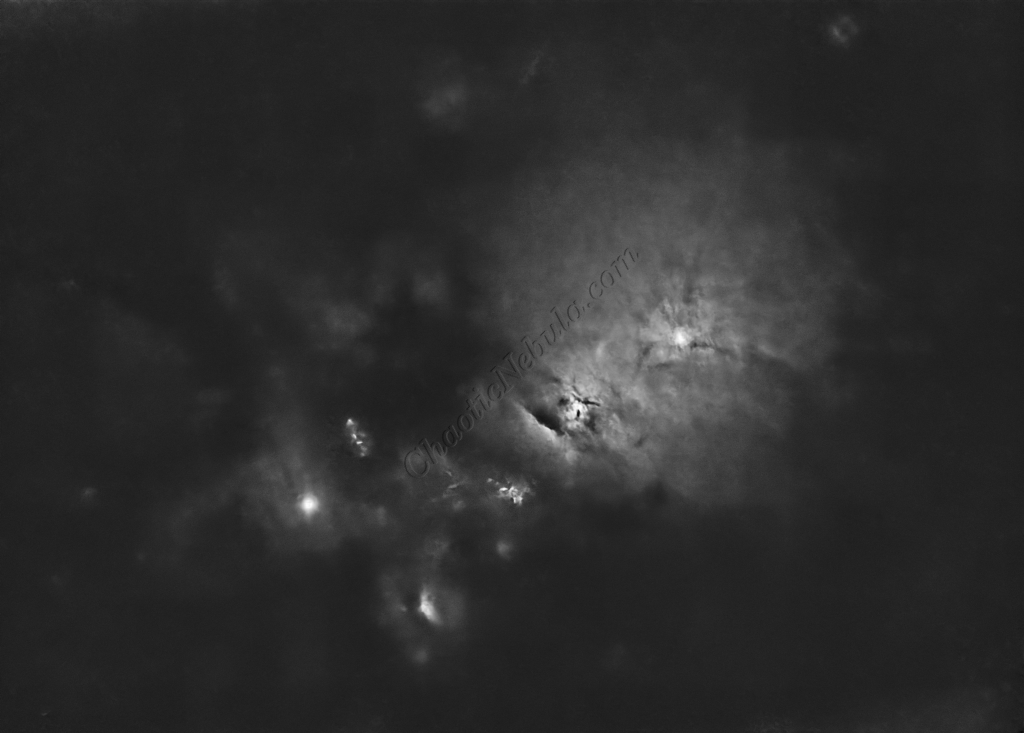
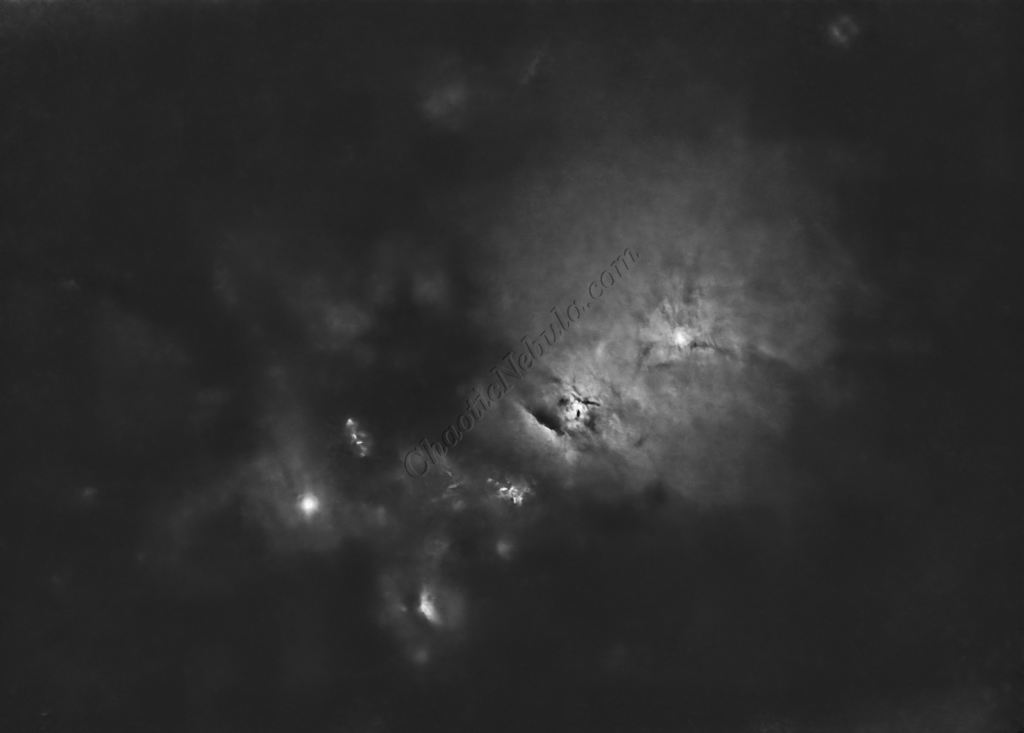
Luminance Integration (LRGB)
With the luminance image processed, it can get integrated with the color image with LRGB Combination process. This used 45% for lightness and 35% for saturation.
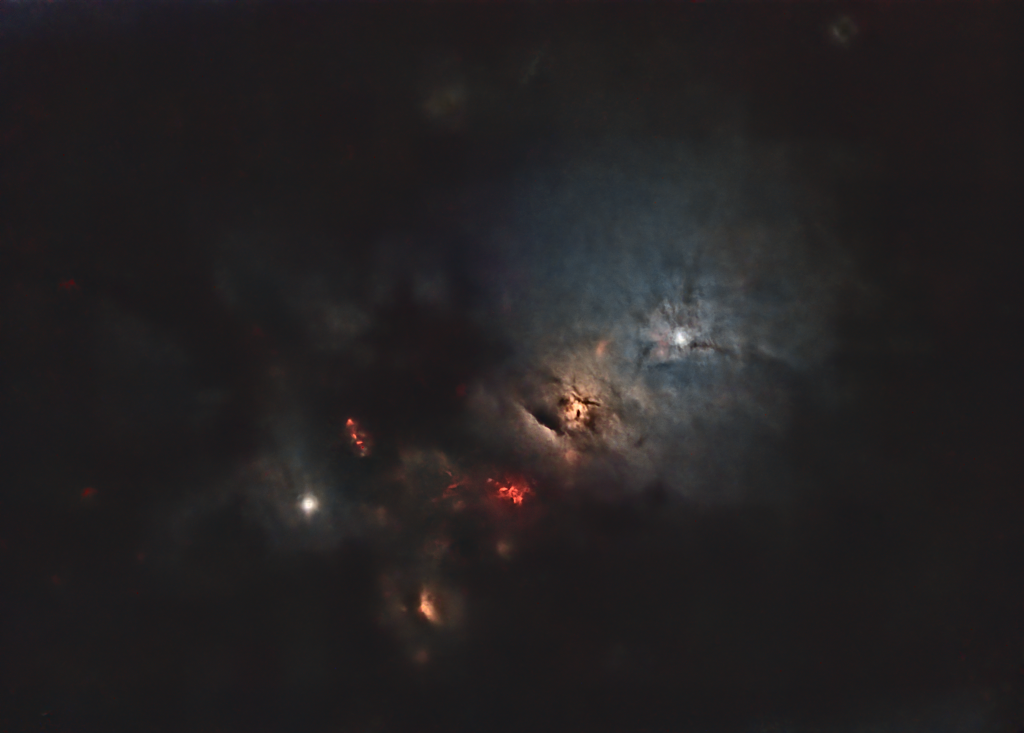
Saturation
PixInsight Curves Transformation increased the overall color saturation.
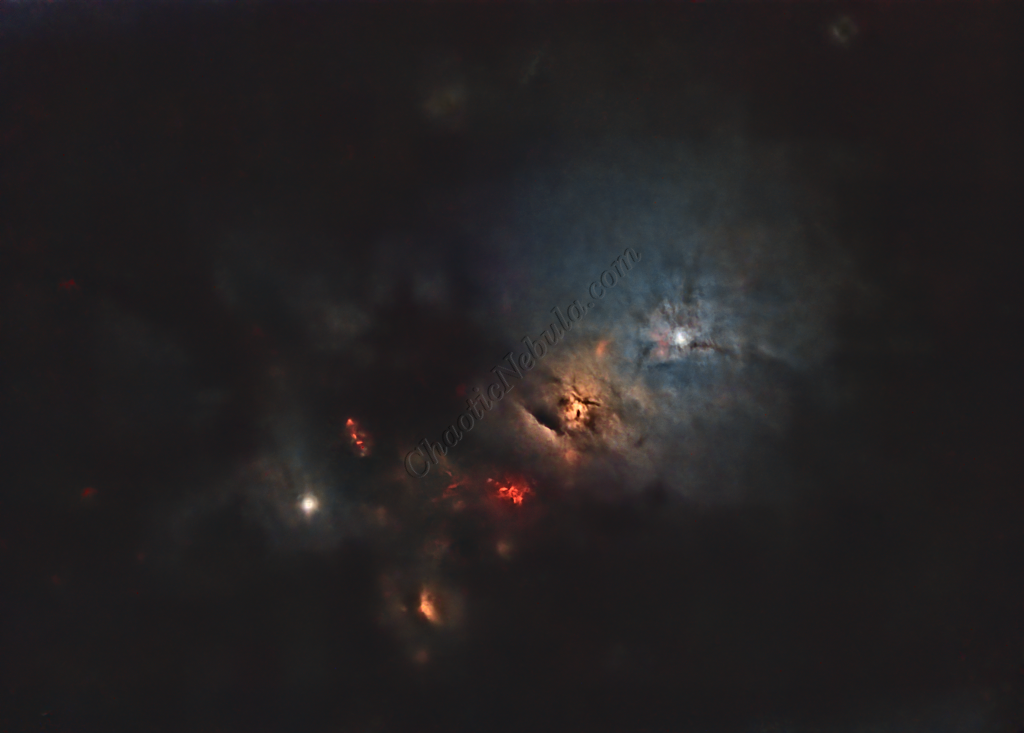
Brightness
PixInsight Curves Transformation increased the overall brightness.
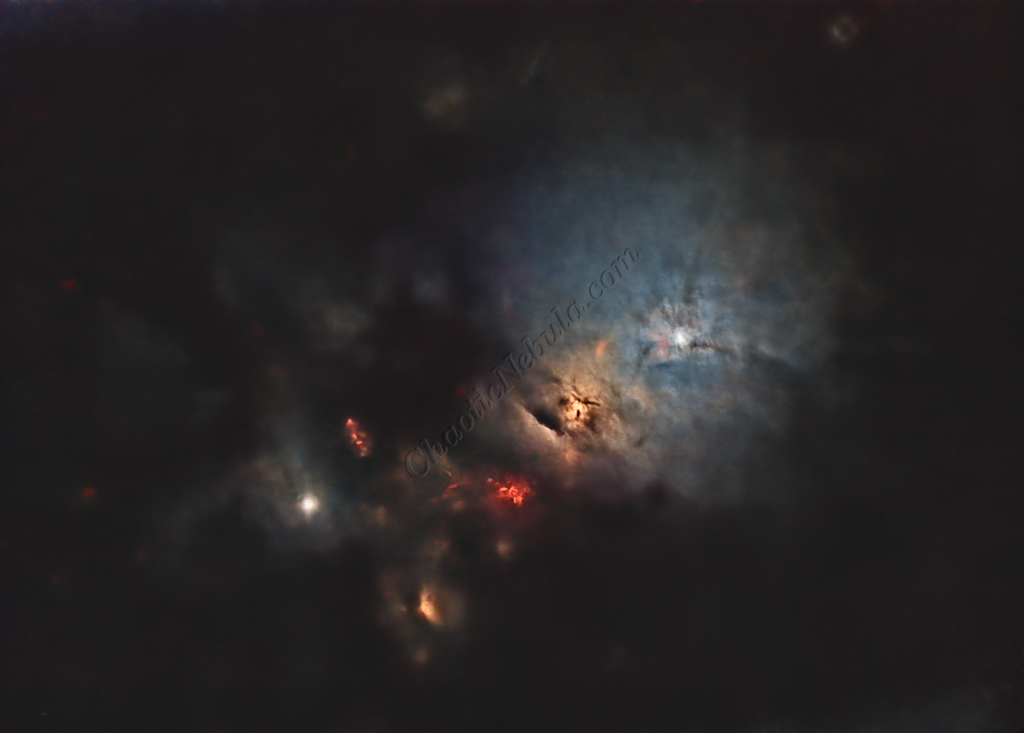
Stars
The stars were added back in. Curves Transformation was used to increase the brightness and saturation of the stars.
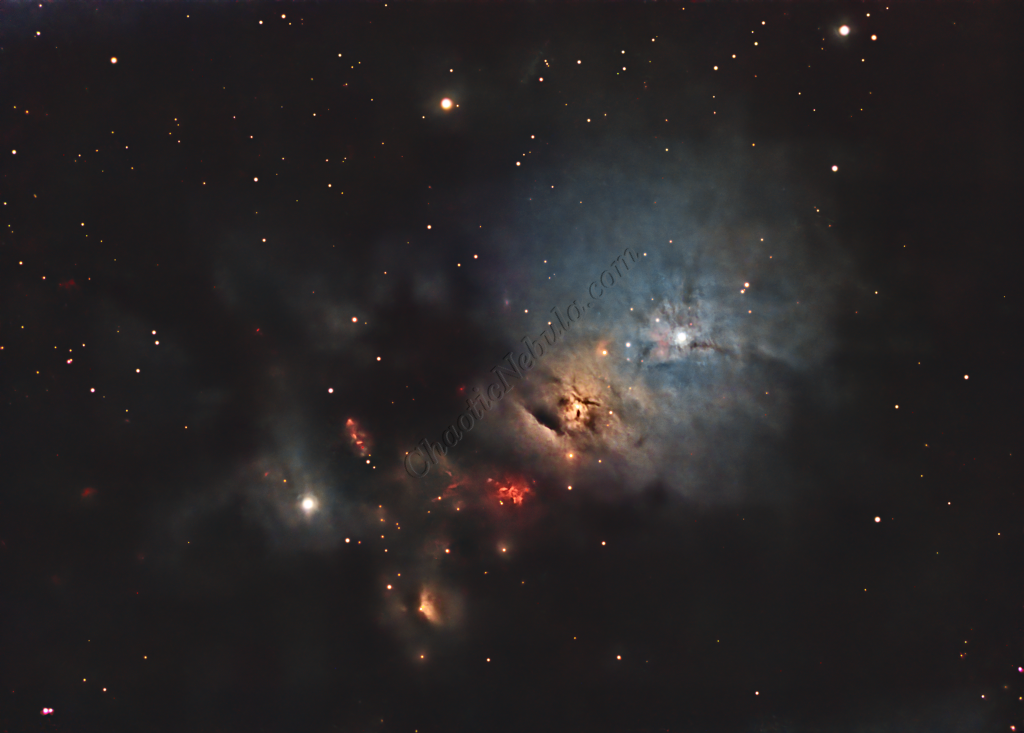
ACDNR for Chrominance
Although NoiseXTerminator did a great job in removing the noise from the image early on in the workflow, some of the processing might have added noise in the color. Applying ACDNR for only chrominance helps correct this without losing details.
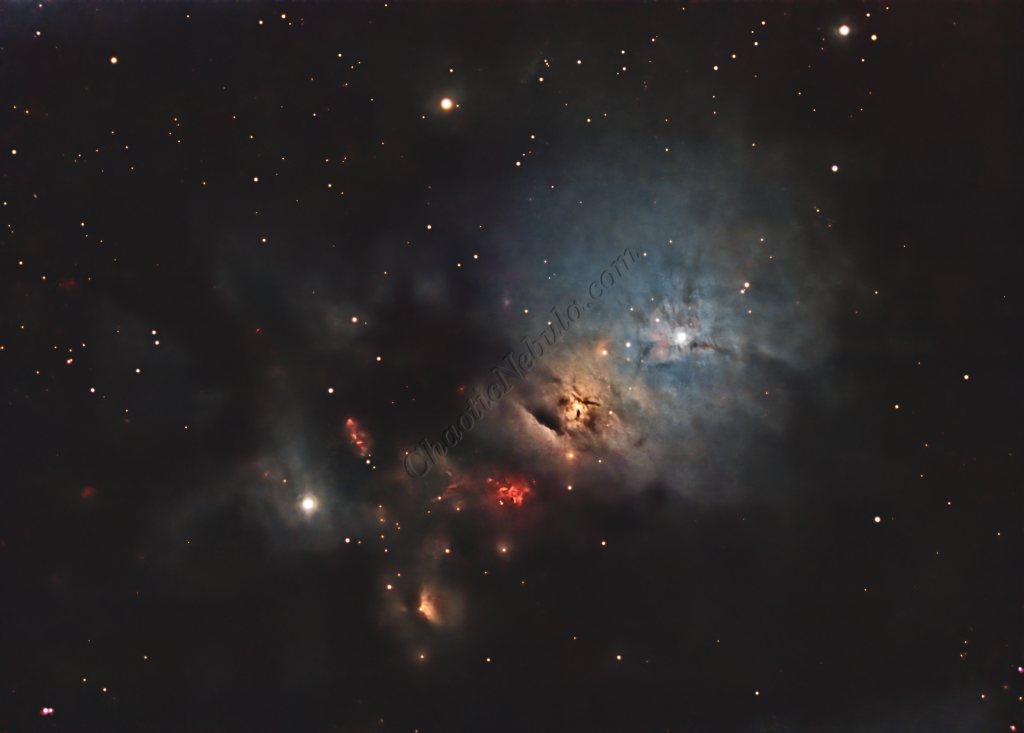
Final Adjustments
To finish the image, I make a few minor tweaks to the brightness and colors of the stars using Curves Transformation.